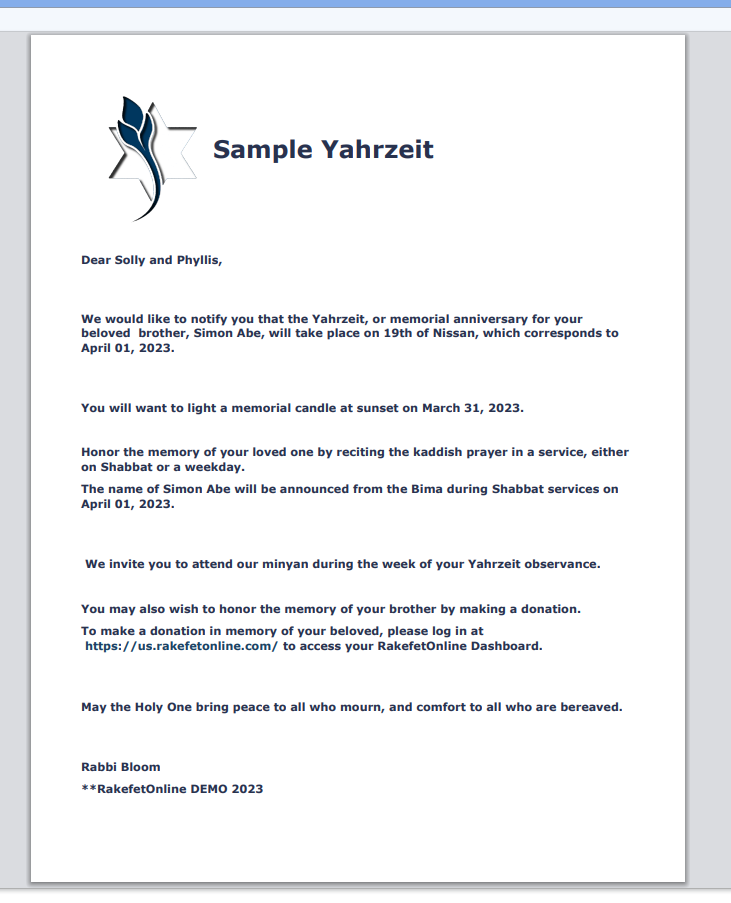
Emailing and Printing Yahrzeit Notices
RakefetOnline makes it easy to send Yahrzeit notices by email or print them for mailing. You can communicate with all mourners who have an upcoming Yahrzeit in just a few clicks.
Before you begin:
Be sure you have already created a Yahrzeit Email Template. If you have not, create one first under Setup → Templates.Creating a Yahrzeit Template
Step 1: Open the Yahrzeit Page
Navigate to:
Yahrzeit → Yahrzeit Notices
Step 2: Select the Date Range
Enter the From Date and To Date for the Yahrzeit notices you want to send.
Step 3: Filter Your Results (Optional)
You can narrow your list by using filters such as:
- Families with email addresses
- Families without email addresses
- Specific family or mourner
- Additional search and filter options
Use Email Only when sending emails or Without Emails Only if you plan to print notices.
Then click Run Report!
Step 4: Select Your Template
Choose your Yahrzeit template from the Select Template drop-down list.
Only Active templates are available for selection.
Step 5: Email or Print
Choose one of the following options:
Email Yahrzeit Notices
Click Send Emails.
RakefetOnline will:
- Merge each mourner's information into your template
- Send an individual personalized email
- Display a green confirmation message once the emails have been queued successfully
Print Yahrzeit Notices
Click Print.
Your browser's print window will open, allowing you to:
- Print directly to your printer
- Save the notices as a PDF
- Print multiple notices at once
Need to Send Later?
If you'd like your notices to go out automatically on a future date, you can schedule them instead of sending immediately.
Select Schedule instead of Send Now, choose the desired date and time, and confirm your scheduled mailing.
Tips
- Verify your date range before sending.
- Verify Yahrzeit / Mourner Observance is matched with selected templates.
- Preview your template to ensure merge fields display correctly.
- Use Email Only to avoid attempting to email contacts without an email address.
- Use Without Emails Only to quickly generate printed notices for postal mailing.
Related Articles