How to Set Up a Gift In-Kind in RakefetOnline
Recording a Gift In-Kind in RakefetOnline allows your congregation to properly document non-cash donations such as goods, services, or materials—helping you maintain accurate records and acknowledge donor contributions.
Steps to Add a Gift In-Kind
- Navigate to Setup → Receivables → Gift In-Kind
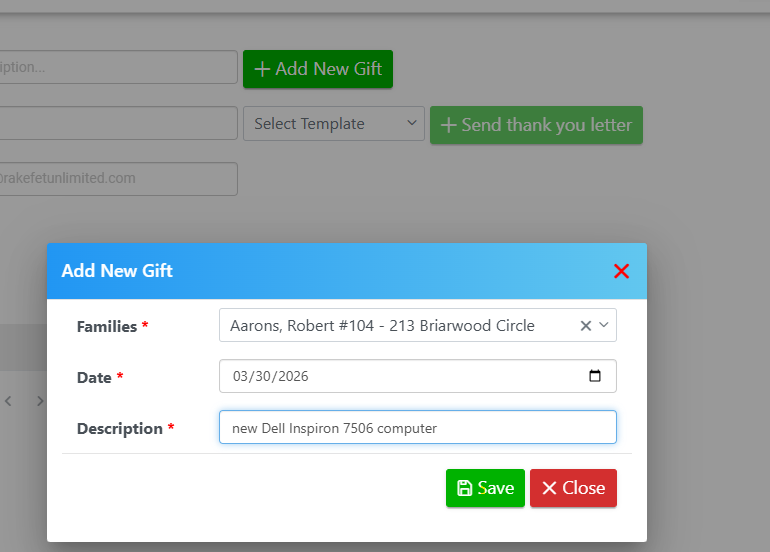
- Click + Add New Gift
- Complete the following fields:
- Family – Select the donor from the dropdown
- Gift Date – Enter the date the gift was received
- Description – Provide a detailed description of the gift (do not include a monetary value)
- Click Save to record the gift
Next Steps After Saving
Once your Gift In-Kind is saved, you can:
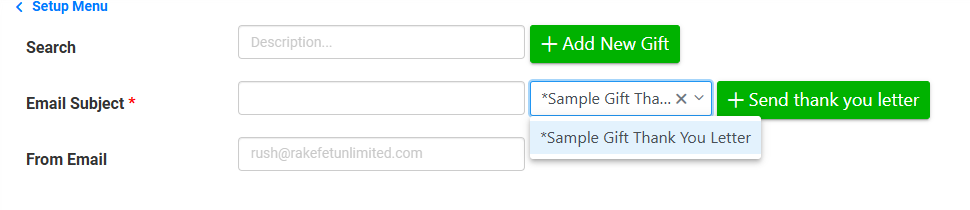
- Select a Gift Template to generate an acknowledgment
- Email the acknowledgment directly
- Export to RTF for editing
- Print a formal thank-you letter
Why Track Gifts In-Kind?
Tracking Gifts In-Kind ensures your organization:
- Maintains accurate donor records
- Provides proper acknowledgment for non-cash contributions
- Stays organized for reporting and compliance purposes
+Add New Gift and Save:
Select the Gift In-Kind Template and tag your family to email, print and export their template:
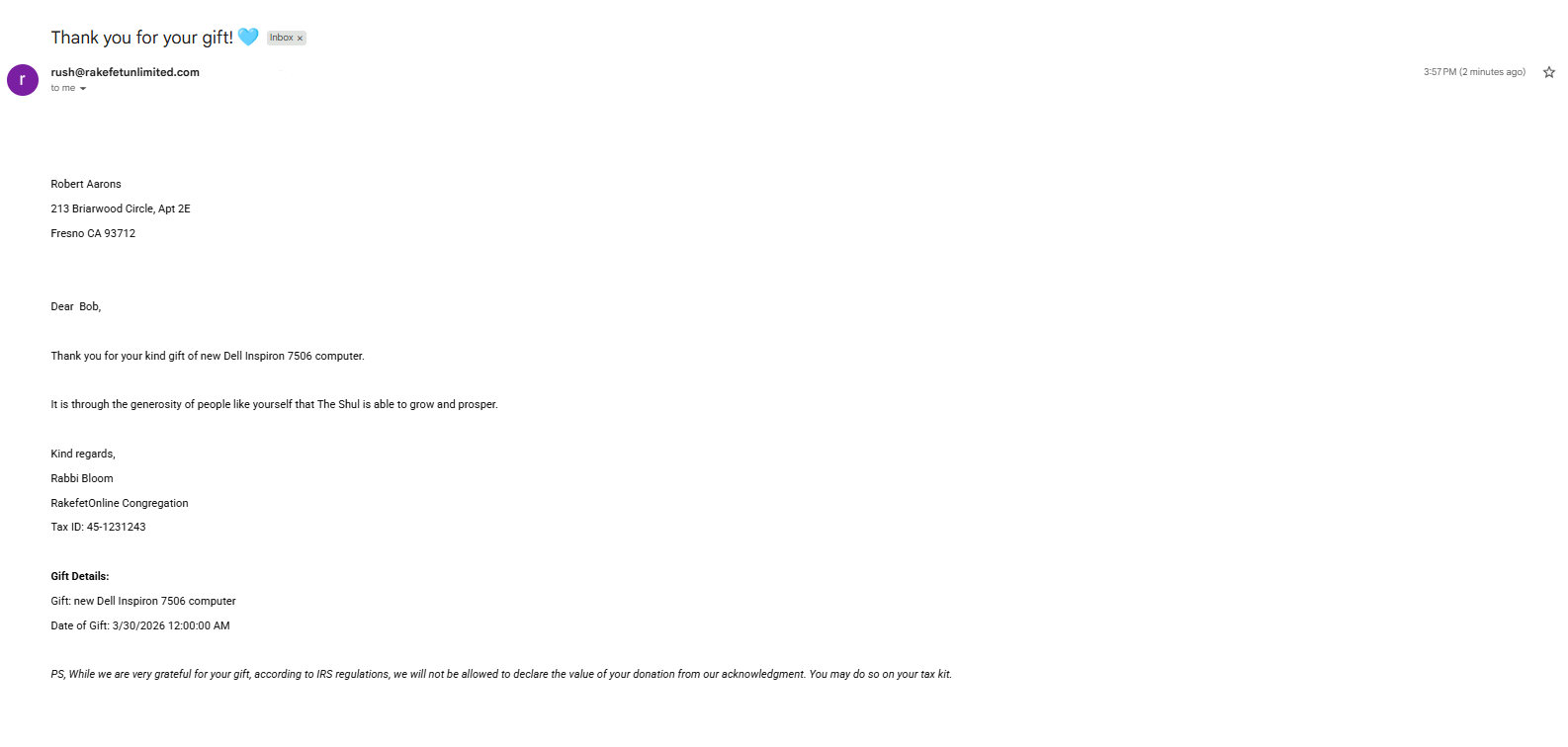
Click +Send thank you letter with an Email Subject to email, or click the Print icon to print:


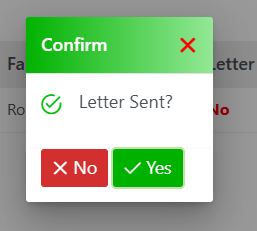
Confirm if the letter was completed as printed, emailed or exported: