Setting Up a Gift In-Kind
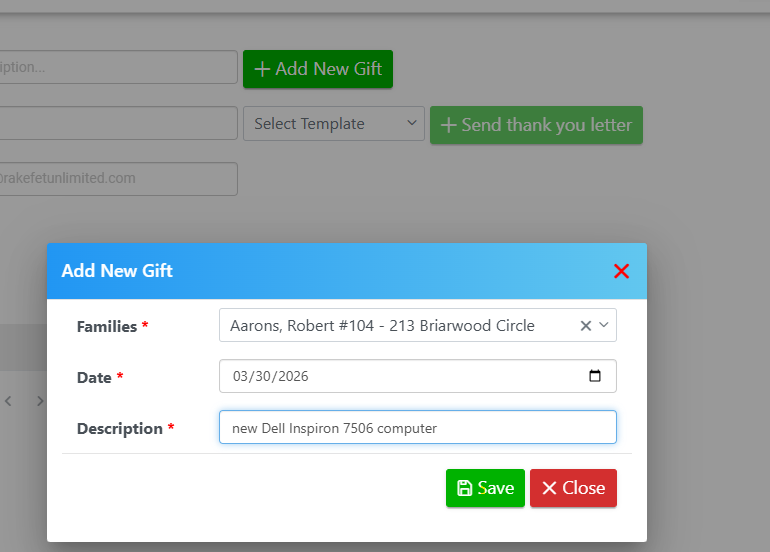
Navigate to Setup → Receivables → Gift In-Kind and click + Add New Gift.
From there, fill in the following details:
- Family – Select from the dropdown
- Gift Date – Enter the date of the gift
- Description – Provide a complete description of the gift, excluding any monetary value
Click Save when finished.
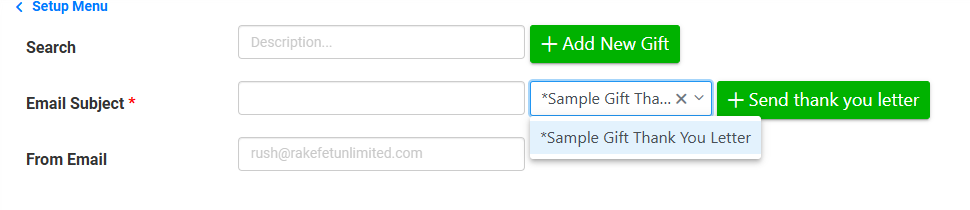
After saving, you can select a Gift Template to merge as an email, export to RTF, or print.
+Add New Gift and Save:
Select the Gift In-Kind Template and tag your family to email, print and export their template:
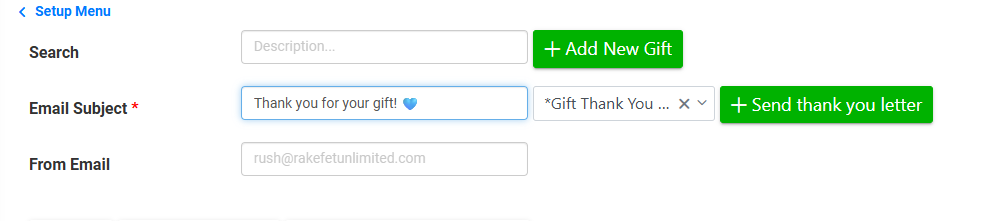
Click +Send thank you letter with an Email Subject to email, or click the Print icon to print:

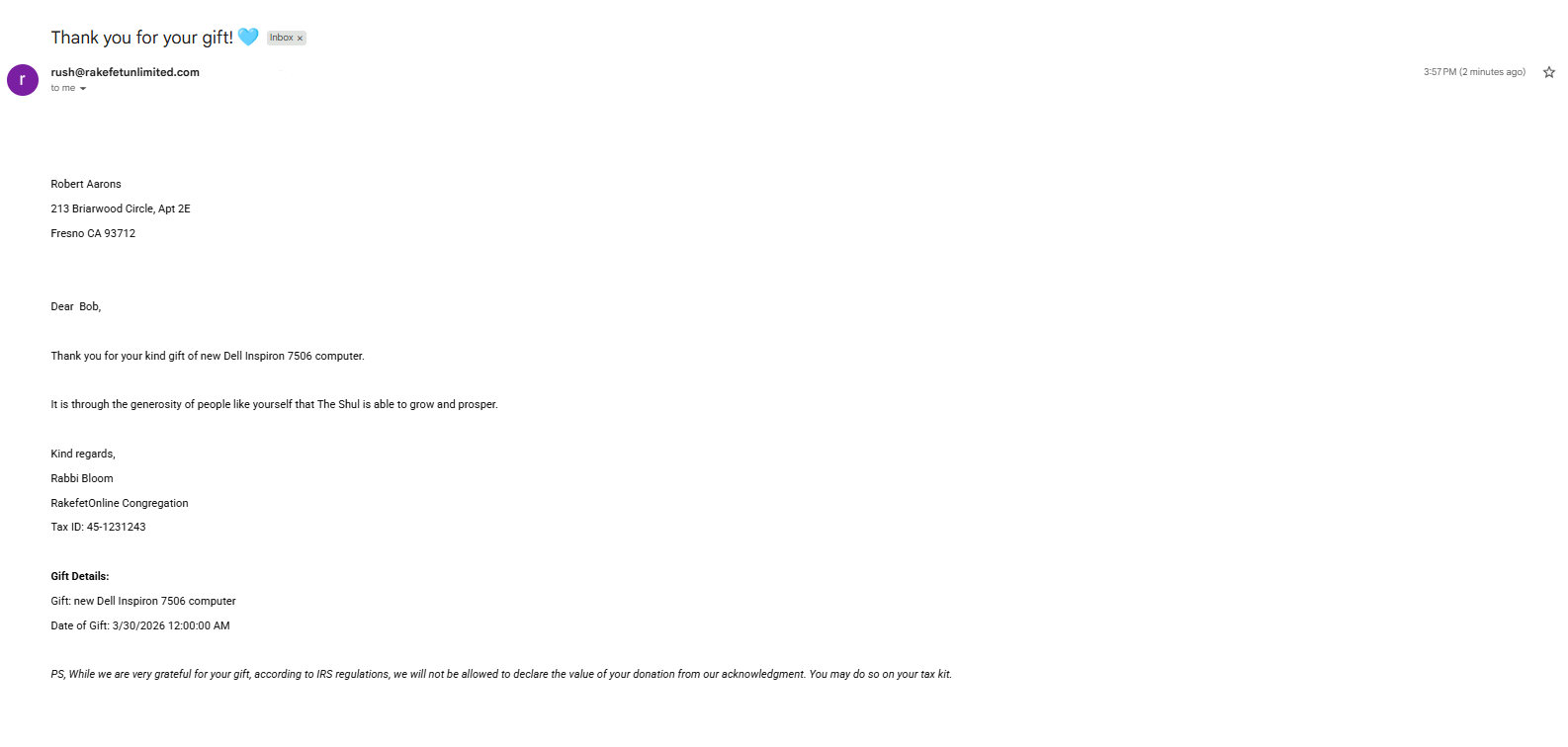
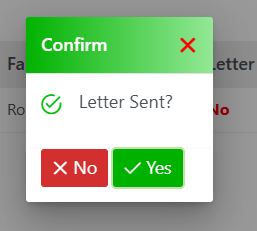
Confirm if the letter was completed as printed, emailed or exported: