RakefetOnline Payment Types
Payment Types in RakefetOnline are used to define how income is received. Examples include cash, check/cheque, Visa, PayPal, ACH, and more.
RakefetOnline includes several built-in Payment Types, and you can create an unlimited number of custom types to match your organization’s needs.
To access Payment Types:
Go to Setup → Receivables → Payment Types
To add a new Payment Type:
Click + Add New Payment Type and enter the required details.
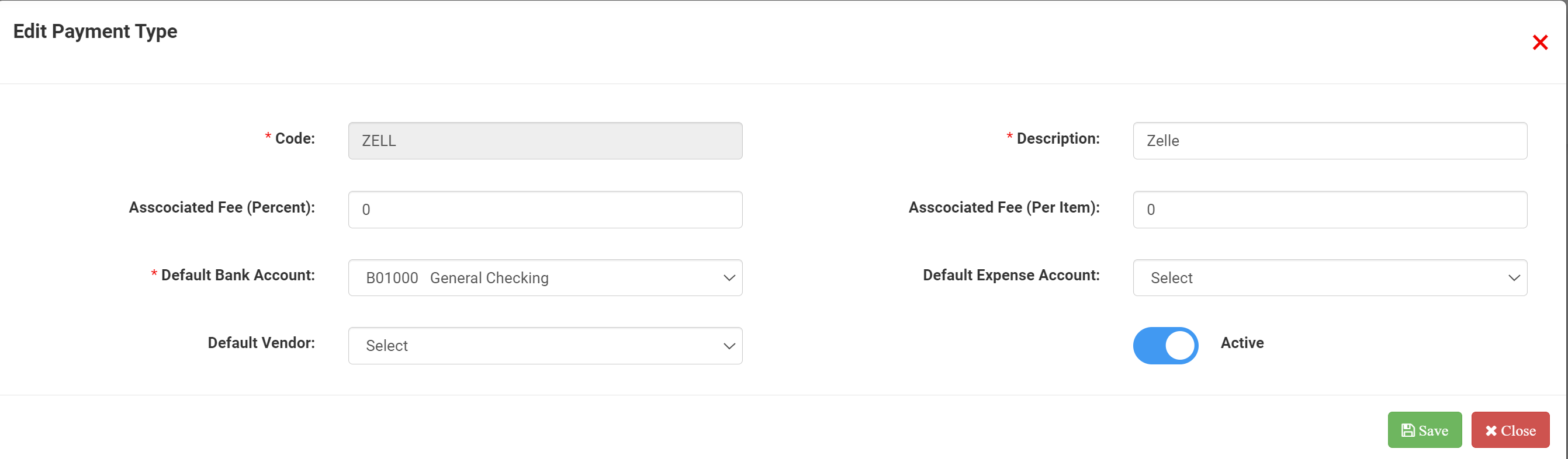
Each Payment Type includes:
- A three-character code
- A description
- Optional default settings such as vendor, expense line, and bank account
Using Payment Types helps ensure your financial data is organized, consistent, and easy to track.
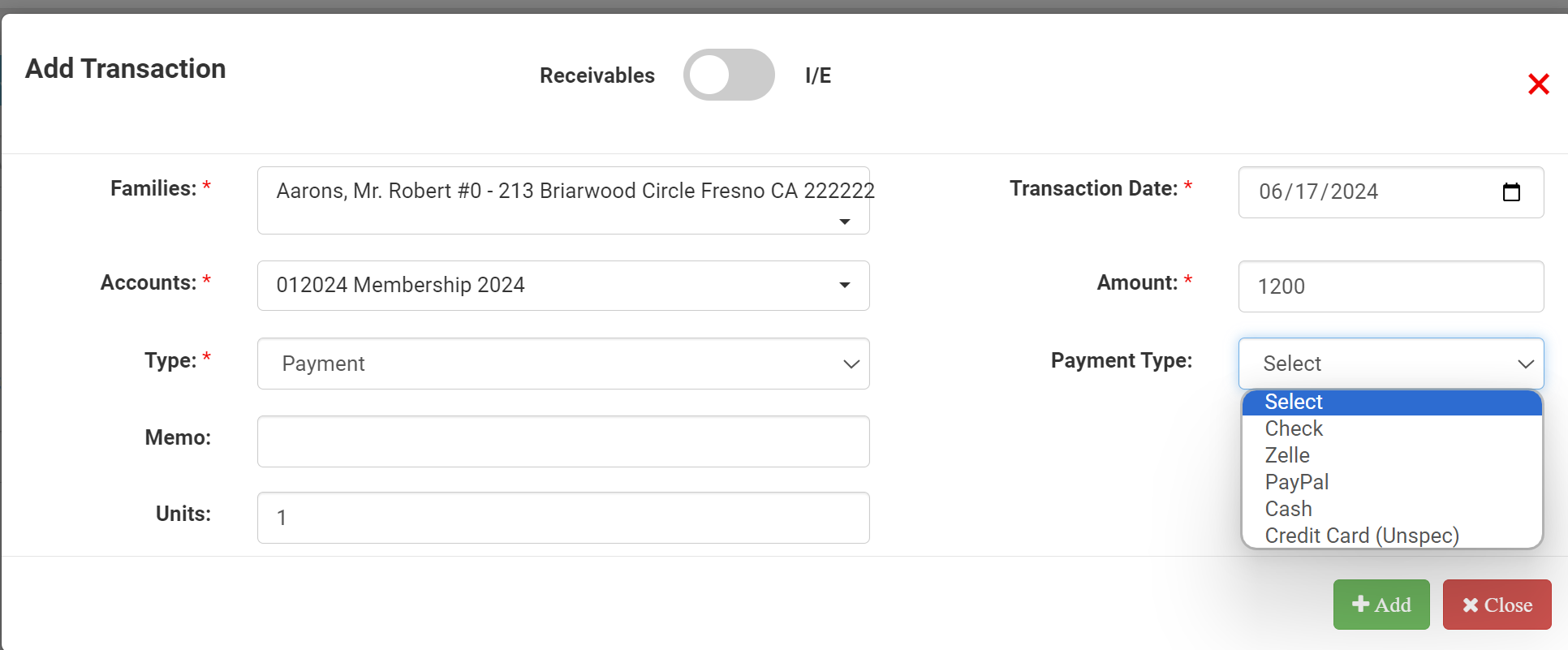
Payment Types, once they are set up and Active, will be available as a source when adding a Donation, Payment or Income to a family's account page, the Transactions (GL) page.
Payment Types will also be available to report by and classified in your Bank Reconciliation.